Use the information already available.
Bring required values from connected records into program generation, reducing manual transcription between systems.

Generate machine-specific NC programs in real time from the data that defines your production requirements.
SHOPGRID® connects ERP information with configured program-generation logic, creating NC output on demand for supported manufacturing processes and equipment.
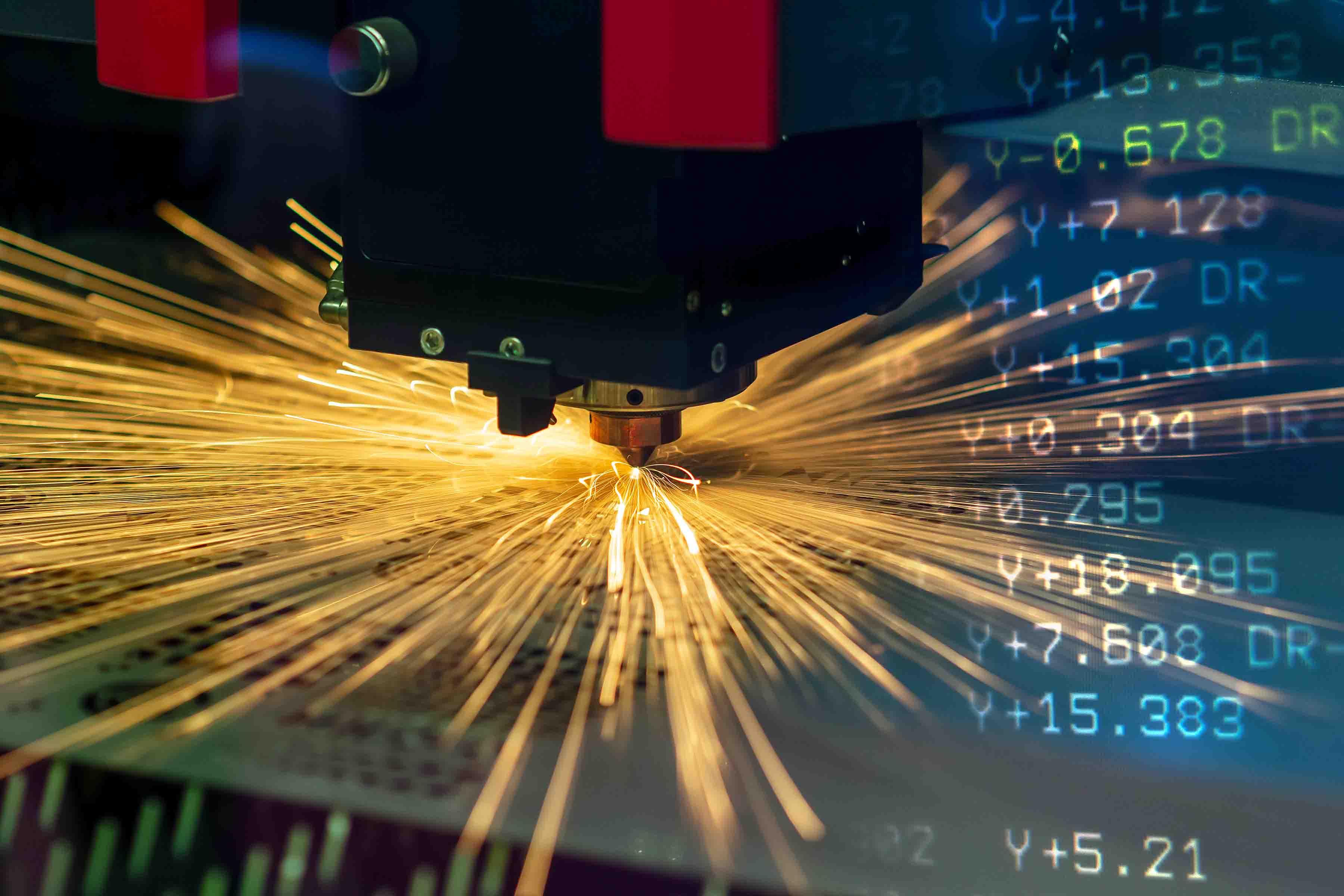
Your business systems already contain information that defines what needs to be produced. SHOPGRID® uses the required mapped data as input to an established generation process.
The output follows the configured rules for the part or process and the target equipment. Machine-specific requirements are part of the implementation.
Program generation sits between your business data and the equipment that performs the work.
We configure that path as a connected process: identify the source information, define the generation rules and establish how the output reaches the machine.
The scope is specific to your parts, processes and equipment. Required inputs and supported output are established during implementation.
Explore Production WorkflowsMap the source records and values required to describe the production task.
Define required fields, accepted values and how missing or inconsistent information is handled.
Apply the configured generation logic and output requirements for the target equipment.
Transfer or make the program available through the supported interface, with the checks defined for production use.
A configured generation process can reduce repeated manual preparation while keeping program creation tied to the production data.
Bring required values from connected records into program generation, reducing manual transcription between systems.
Generate output using established rules for the supported application, with changes to that logic reviewed and tested.
Connect generated programs with the relevant work and equipment, using the configured delivery and release steps.
The starting point is a representative production requirement and the expected machine output.
We review source data, example programs, controller requirements and the rules that connect them. That establishes what the generation process must produce.
Validation is planned with your production and engineering teams, including representative variations and the checks required before generated programs enter production.
Explore Machine ConnectivityBring us a sample requirement, the expected program and the equipment it needs to run on.